
Keep what is known
Preserve every established detail.
A throwaway face. A favourite friend.
Develop the minor NPC your players adore with an established-facts profile, distinct personality, useful background, present motivation, clear limits and future callbacks.
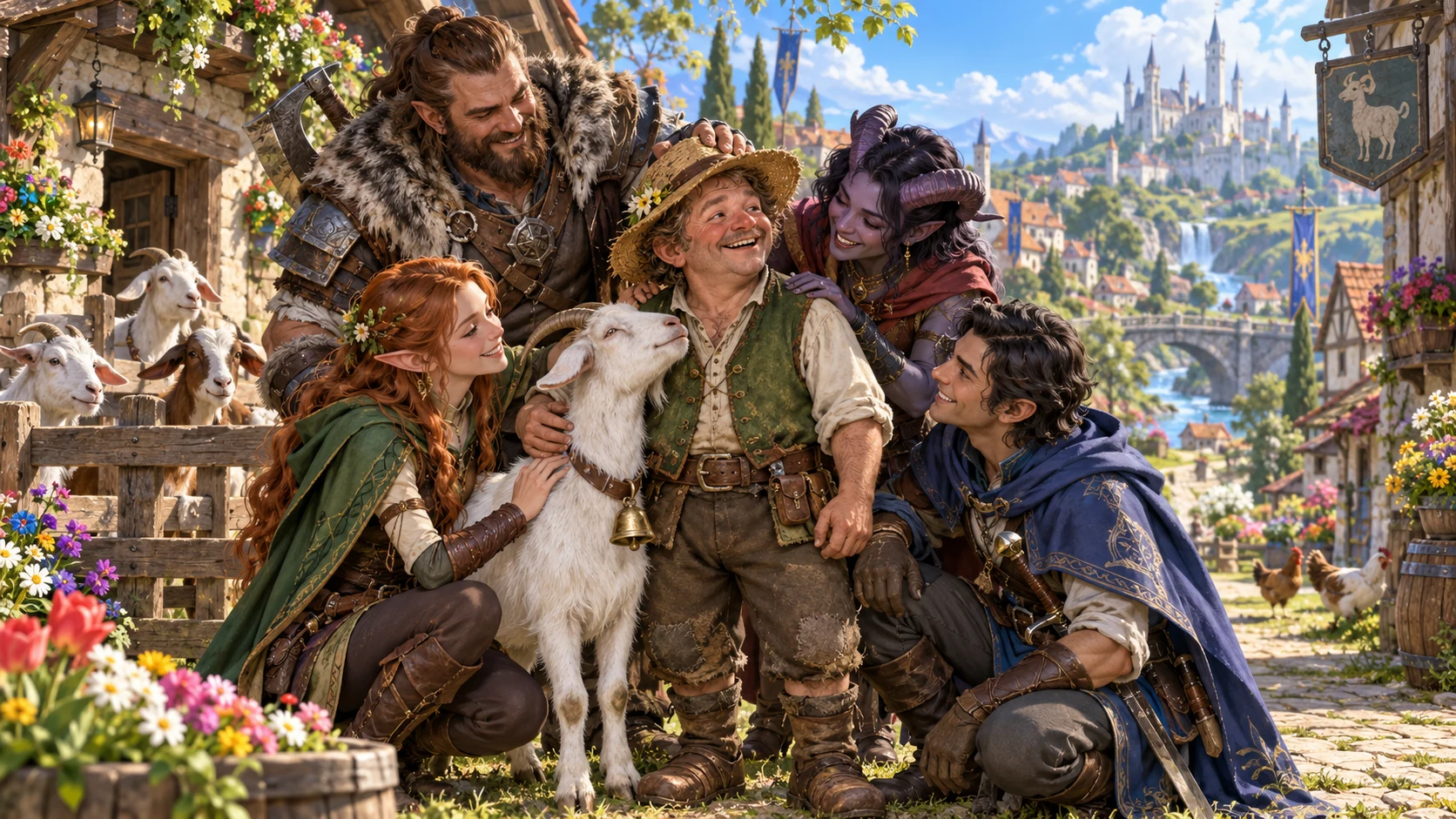
The players chose this person
Give one beloved minor character enough depth to meet again.
Preserve every established detail.
Add personality and an endearing quirk.
Develop background and present motivation.
Keep clear boundaries on what they will do.

Start with what the table knows
Describe the minor NPC exactly as the table knows them, why the players love them and where they are now.
Choose a recurring friendly face, occasional helper or possible companion, plus relationship direction and tone.
Add party context, details to avoid and private notes about their possible place in the campaign.
Four steps to a familiar face
Build on the character your table already cares about.
Record known facts, affection and current location.
Set role, relationship direction and tone.
Add voice, background, motivation and limits.
Choose the audience view before export.
Your recurring-character workspace
Develop one beloved minor NPC while preserving the facts that made them memorable.
Keep every detail already spoken at the table.
Give the beloved minor character a distinct presence.
Add history that supports who they already are.
Describe what this person wants now.
Keep what they will not do in view.
Develop the friendship the players chose.
Offer an invitation the group decides together.
Revise, save and revisit a familiar face.
Three ways to return
Choose how often this character may be part of the campaign.
A familiar face the party is pleased to see.
Someone who helps within their own limits.
An invitation the group may discuss together.
Add party details, things to avoid and private notes.
Keep the character your table loves
Refine their profile while retaining established facts.
Shape the details for your campaign.
Keep useful material as you explore variations.
Reopen, rename, duplicate, search, tag or annotate.
Retain earlier variations of a saved favourite.
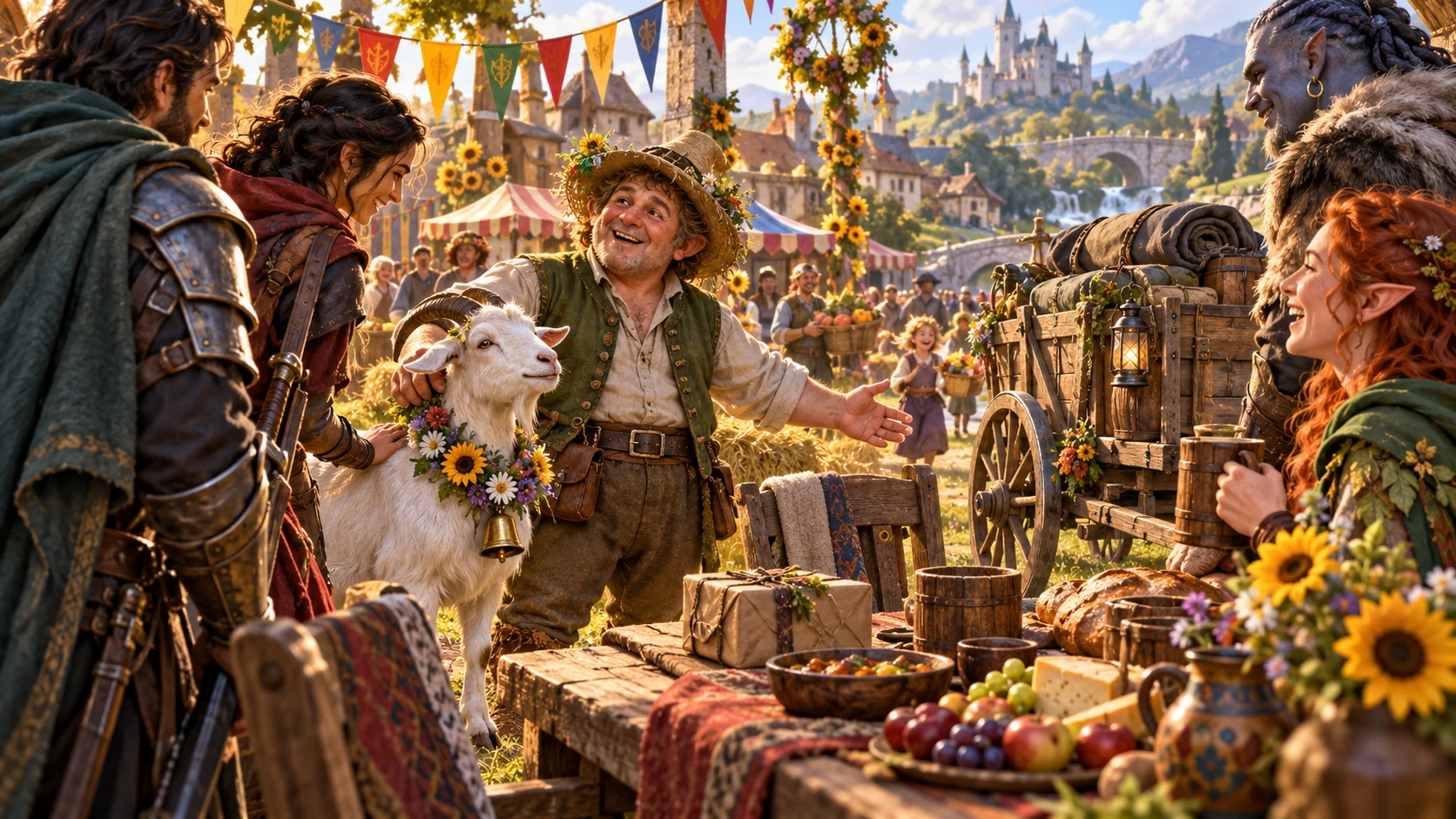
A familiar person with a useful profile
Review established facts, personality and voice, useful background, present motivation and clear limits.
Consider relationship hooks, any companion invitation and future callbacks without forcing a permanent change.
Review the chosen DM or player-facing view, then copy the table-ready profile, download the structured record or print.
A relationship the table chooses
Keep the character lovable without forcing a permanent change.
Expand this minor NPC without changing established facts.
Companionship is accepted, declined or reshaped together.
Choose the player-facing or complete DM view.
No automatic quest, encounter, combat state or Combat Pro transfer.
Generator access and pricing
Choose access for this selected generator or an eligible pack.
Review current standalone access and pricing.
Check whether a current pack includes this generator.
Use your account to review premium product access.
Create a free VISINVOKE account; premium access remains separate.
VISINVOKE means value
Bring established facts and useful character depth together.

Start with what your players already know and love.
Develop personality, background and present motivation.
Give the character clear limits and an open invitation.
Save twelve-version history and share the chosen view.
Explore your VISINVOKE workspace
Each card opens its own product website. Review purpose and access separately; related products do not promise included access or automatic synchronisation.

Open your VISINVOKE desktop products.
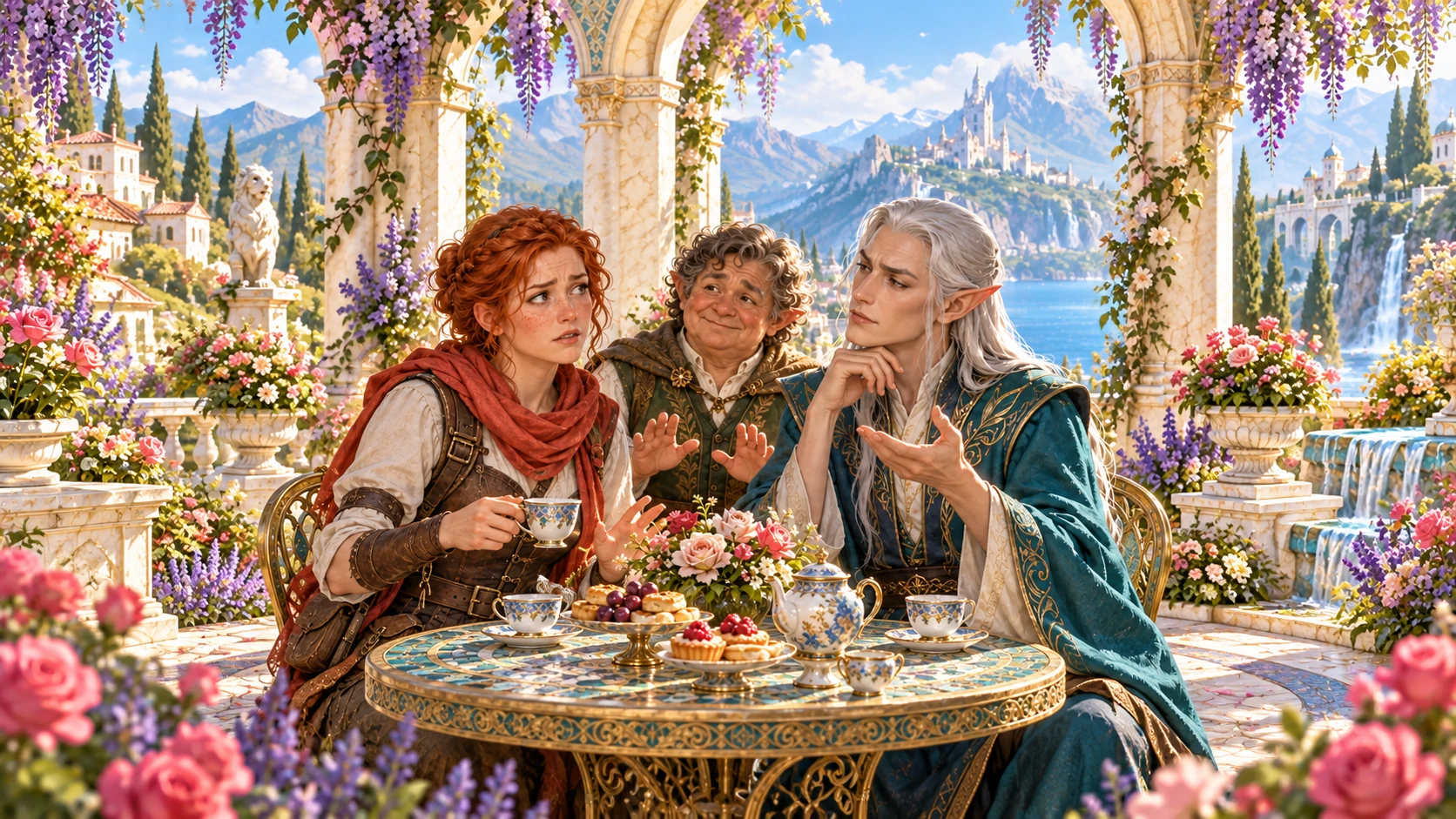
Prepare a live exchange after an established social mistake.

Build the wider setting around your campaign.

Develop the places your party travels through.

Explore separate adventure environments.
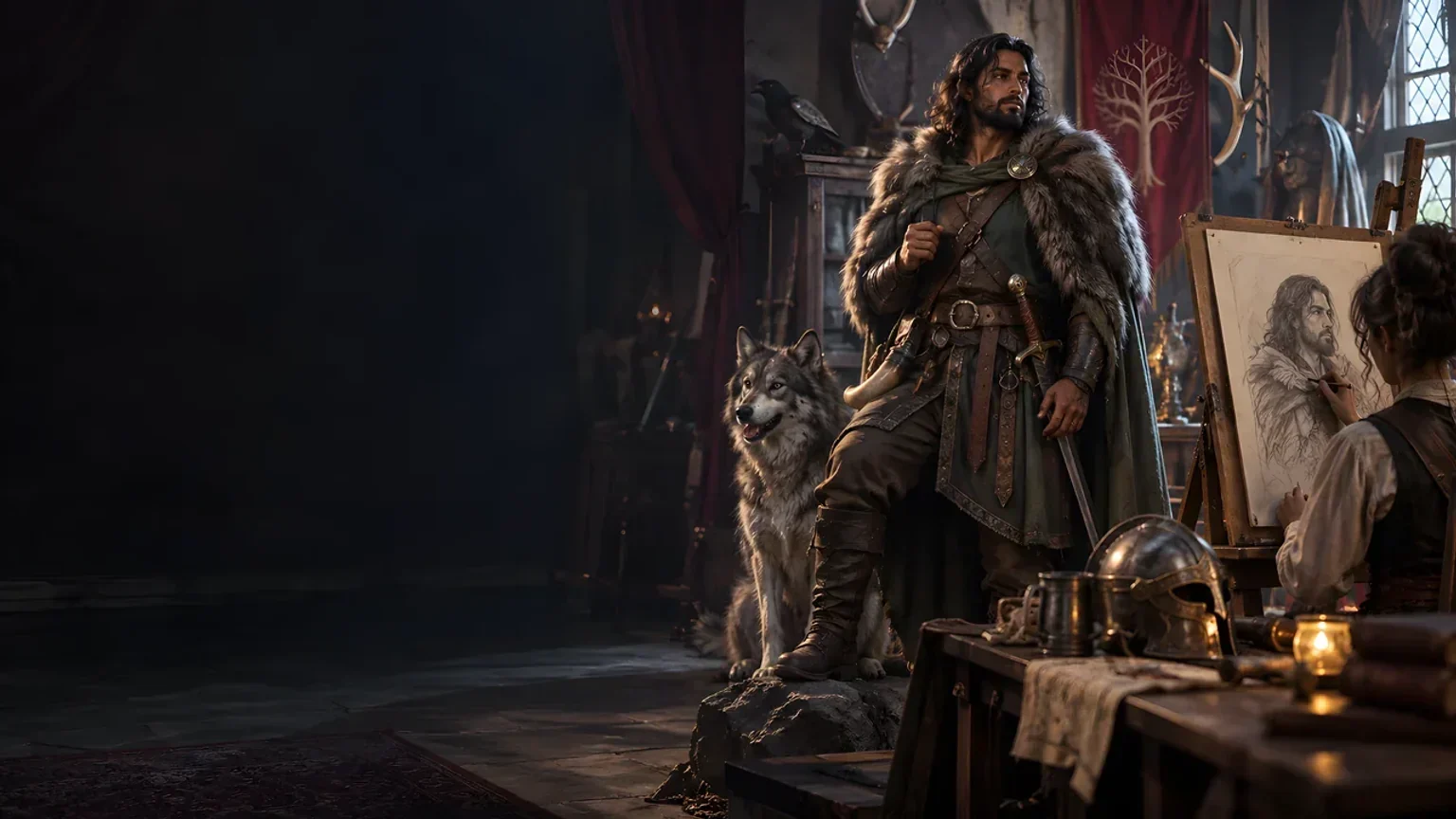
Explore separate fantasy image creation.
Product artwork is illustrative, not application screens or actual generated image output.
Quick answers
Understand roles, preparation, account history, audience views and shared choices.
Expand one minor character the players already love, preserving all established facts. Add personality, a distinct voice, an endearing quirk, a useful background, present motivation, clear limits, relationship hooks and optional future callbacks.
Choose a recurring friendly face, an occasional helper or someone the party might invite to travel with them. A companion possibility remains an explicit offer the Dungeon Master and players can accept, decline or reshape together.
Describe what the table already knows, why the players like this character and where they are now. Choose role, relationship direction and tone. Deep preparation adds party context, anything to avoid and private notes about their place in the campaign.
Review, edit, lock and reroll. Save favourites to your signed-in VISINVOKE account, then reopen, rename, duplicate, search, tag, annotate or delete them. A twelve-version history keeps earlier variations available.
Copy the table-ready profile or chosen complete Dungeon Master or player-facing view, download the structured record or print it. Review the selected audience view before sharing. The group decides any companionship together; the generator creates no automatic secret, quest, encounter, permanent companion, combat state or Combat Pro handoff.
Create a free VISINVOKE account, review current account plans for the selected generator or an eligible pack, then use your account installer page for Desktop Command Centre. Open the generator in your desktop workspace. Free account creation is separate from premium generator access.
Continue in VISINVOKE
Create a free VISINVOKE account and review current generator access.
Use your account installer page for Desktop Command Centre.
Open They Adopted the Random NPC Generator from the Generators collection.